
Planning rim inspections
Open Tyre and Rim Register, open the rim editor and select Inspections.
- Confirm the rim's Life and Usage configuration is saved.
- Choose Add Task, or use the adjacent dropdown's Assign Tasks to copy a task definition.
- Configure the inspection using the rim's own meter and an appropriate calendar or usage schedule.
- Save and review the forecast. Investigate any note about missing usage or configuration.
On a new rim, inspection tasks remain drafts until the rim is saved. On an existing rim, tasks save through their own editor. Copied tasks start a fresh last-done baseline rather than inheriting another Asset's history.
Forecasts use the rim's usage, annual utilisation and end of life. They stop at its configured end of life. Task permissions and Work Order history affect which edits or deletions are available. A planning target or dashboard indicator does not replace your organisation's inspection requirements.
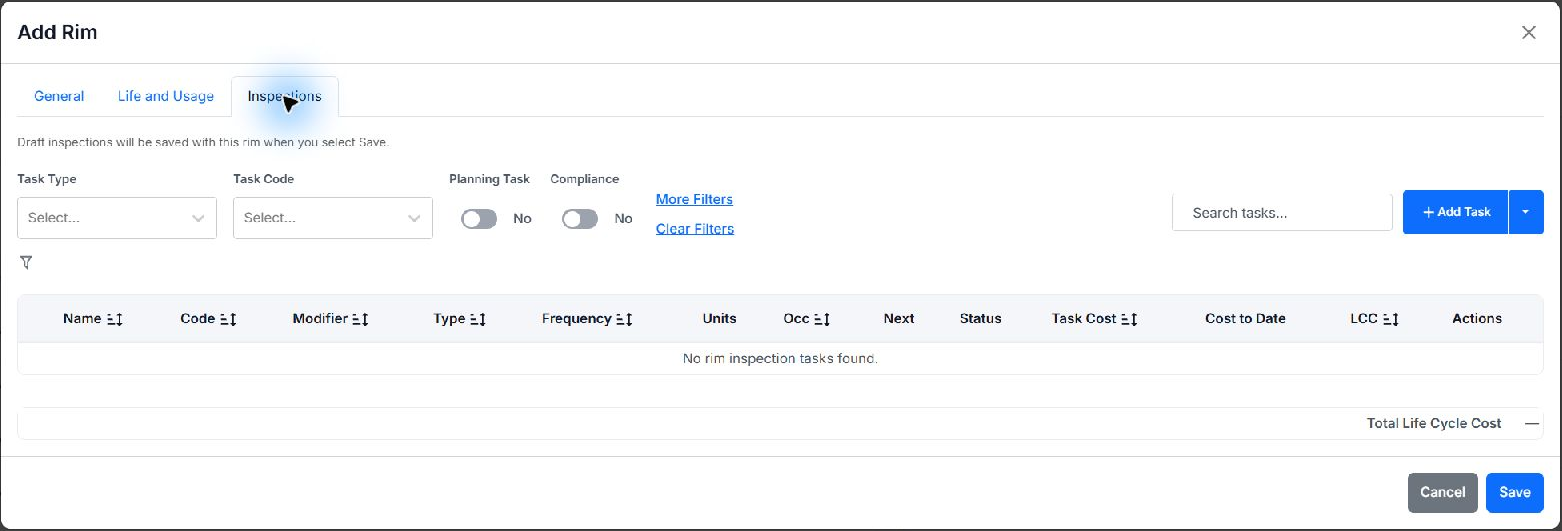
Inspections tab for a new, unsaved rim. Draft inspections are saved with the rim; the empty table does not indicate completed inspections.